Windows 11 2026 Update – version 26H2 brings new enhancements and improvements.

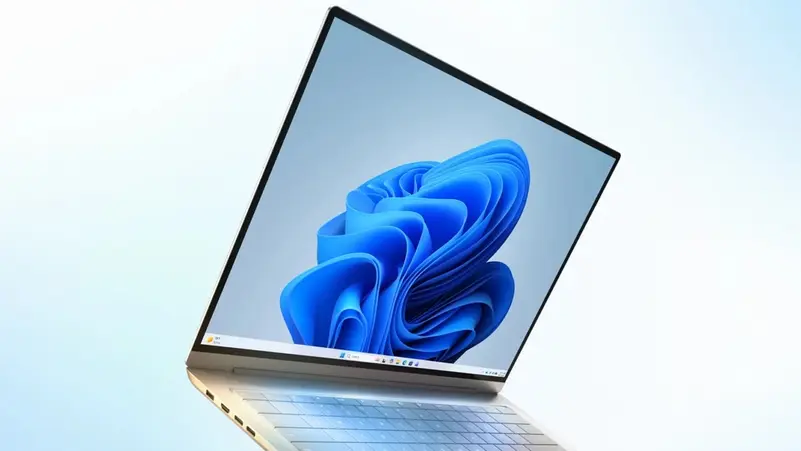
- Microsoft's Windows 11 2026 Update introduces significant customization and performance enhancements.
- Users can now position the taskbar anywhere on the screen, including the top and sides.
- The Start Menu features a scrollable All section and improved application display options.
- Windows Search now provides previews, understands spelling errors, and indexes frequently used folders.
Microsoft has launched the Windows 11 2026 Update – version 26H2. This update is small in size but introduces significant changes in customization and performance, including the return of one of the most requested features since the launch of Windows 11.
The Taskbar Finally Gets Freedom
The standout feature of this update allows users to position the taskbar anywhere on the screen:
- At the top
- At the bottom
- On the left side
- On the right side
Additionally, Microsoft has added a compact taskbar option that reduces icon size and the height of the bar, providing more screen space for work.
Significant Improvements to the Start Menu
The Start Menu has received long-awaited updates:
- A scrollable All section
- Display of applications in categories or grid format
- Responsive design based on screen size
- Ability to show/hide Pinned, Recent, and All sections separately
Windows Search Becomes Smarter
The search engine can now:
- Display previews of results
- Understand spelling errors
- Handle incomplete application names
- Automatically index frequently used folders
Performance and Reliability Enhancements
- File Explorer is now faster and better at remembering display preferences
- Windows Update consolidates updates to reduce the number of restarts
- The Point-in-time restore feature allows users to revert the system to a recent automatic point
- The Quick Machine Recovery feature helps find solutions when booting fails
- Users can enable/disable Smart App Control without reinstalling the system
New Features for Users and Developers
- Multi-App Camera support allows the camera to be used with multiple applications
- Integration of the Sysmon tool within the system
- Expanded support for Passkeys
- Monitoring of NPU units within Task Manager
- Improvements in Bluetooth connectivity
- Support for post-quantum cryptography
Conclusion
The 26H2 update does not radically change Windows 11, but it reintroduces important customization options and adds practical improvements that enhance the system’s flexibility and smoothness for daily use.
The post Windows 11 2026 Update – version 26H2 and new improvements appeared first on Yemen TV Channel.
To follow the news in Arabic